Understanding the Person Icon on Your iPhone: What It Really Means
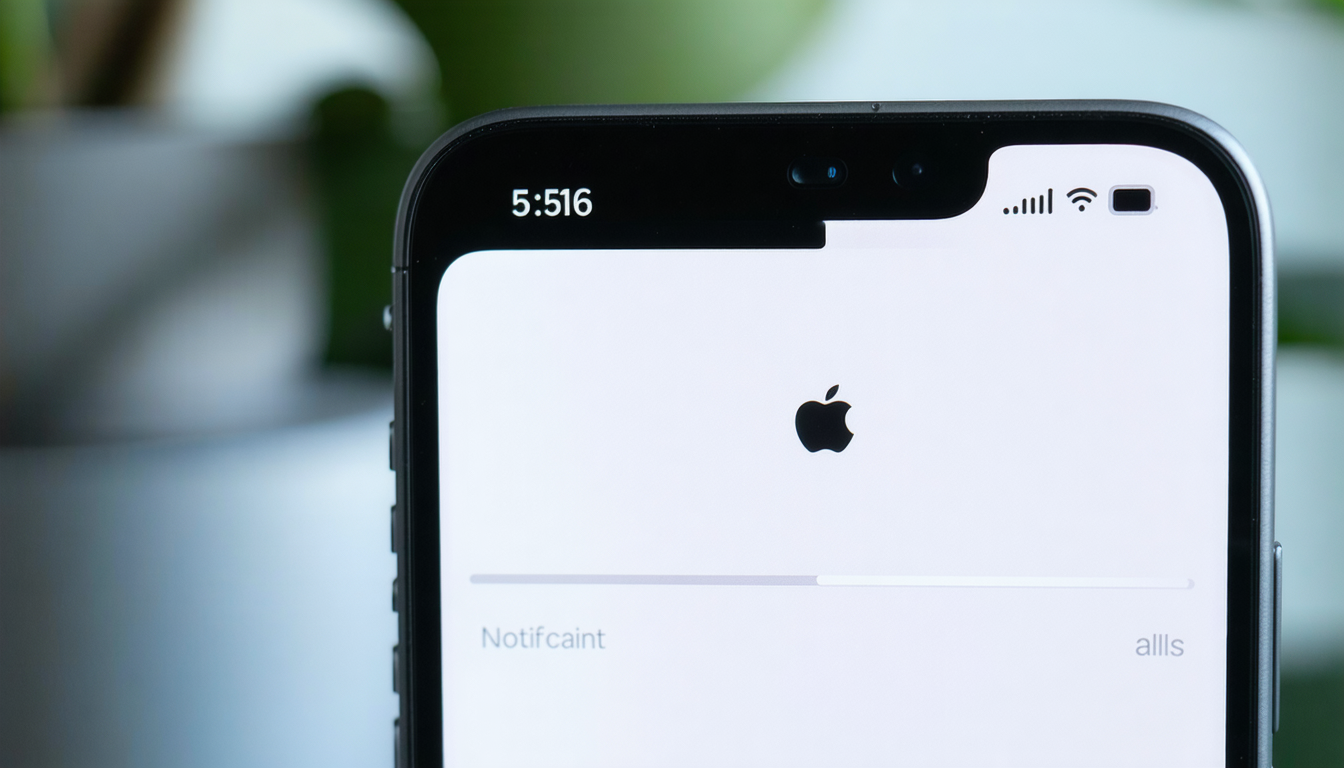
Many iPhone users notice a small person icon displayed alongside the time in their status bar and wonder what it signifies. Rather than indicating a malfunction or urgent warning, this symbol represents an activated Focus Mode feature, specifically the Personal mode setting.
Apple introduced the Focus feature beginning with iOS 15, creating a system that helps users manage notifications and interruptions according to their circumstances—whether they're working, sleeping, or enjoying personal time.
Each Focus mode comes with its own distinctive icon. The person silhouette represents Personal mode, while a bed symbol indicates Sleep mode, and a car icon signals Driving mode. Users can also create custom Focus modes tailored to their specific preferences, each with its own icon.
The appearance of the person icon simply means your device is currently operating in Personal mode, one of several notification-filtering options available on the platform. When any Focus Mode is active, notifications become limited or filtered, with only designated applications or contacts able to reach you. Less critical notifications may be temporarily suppressed.
This mode offers considerable flexibility, allowing customization for various scenarios such as studying, relaxing, or professional work. Should you wish to disable it, the process is straightforward: access the Control Center, select Focus, and turn off Personal mode. The person icon will vanish from the status bar immediately once deactivated.
Compare options